- Supported Devices
- Windows 10, Windows 8.1, Windows 10 Mobile
- Updated
- Sep 12,2017
- Size
- 399.63 KB - 61.87 MB
- Age
- Everyone
- Requirements
- x64, x86, ARM
- Description
-
- Features
-
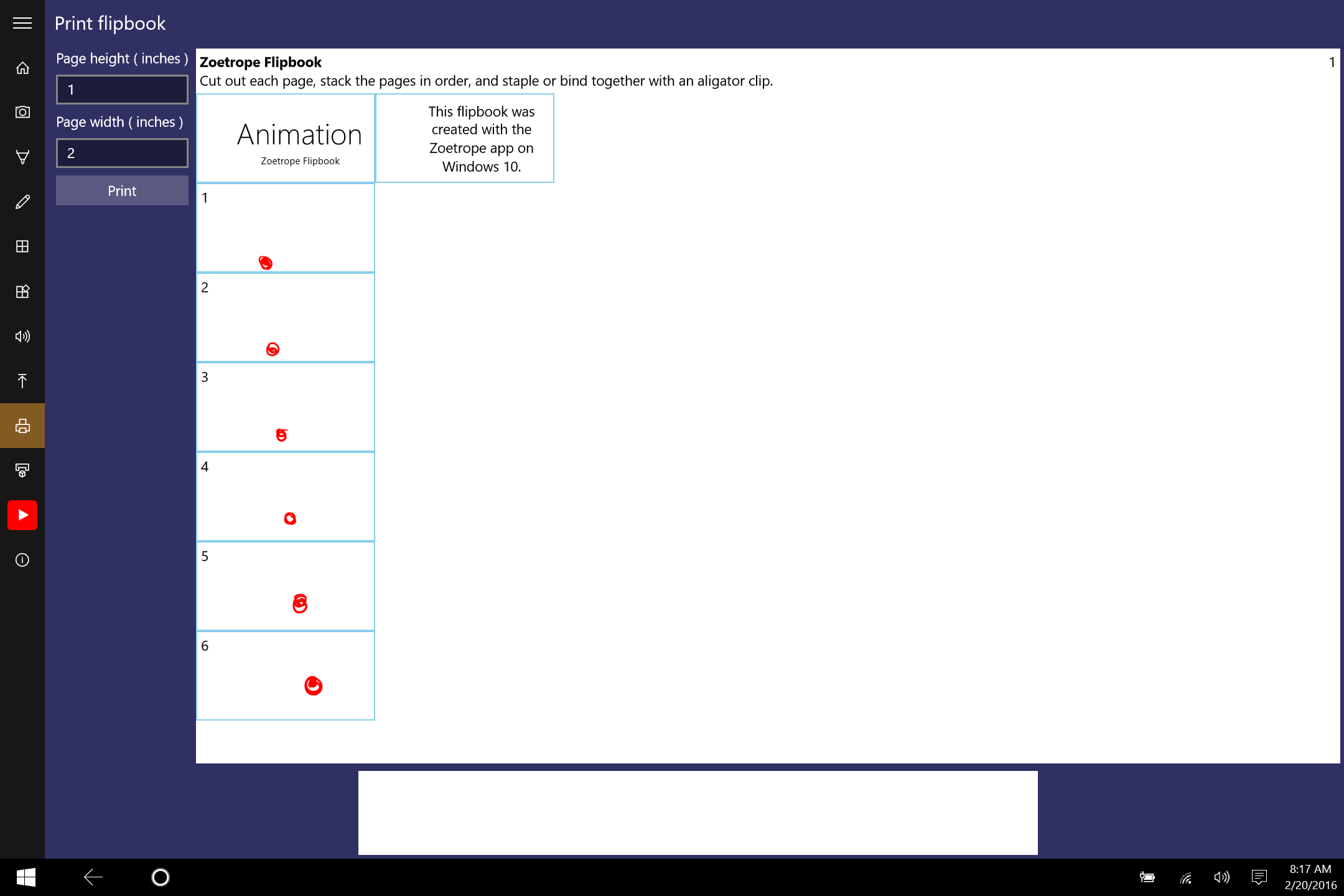
NEW: Print and cut out a flipbook on a paper printer.
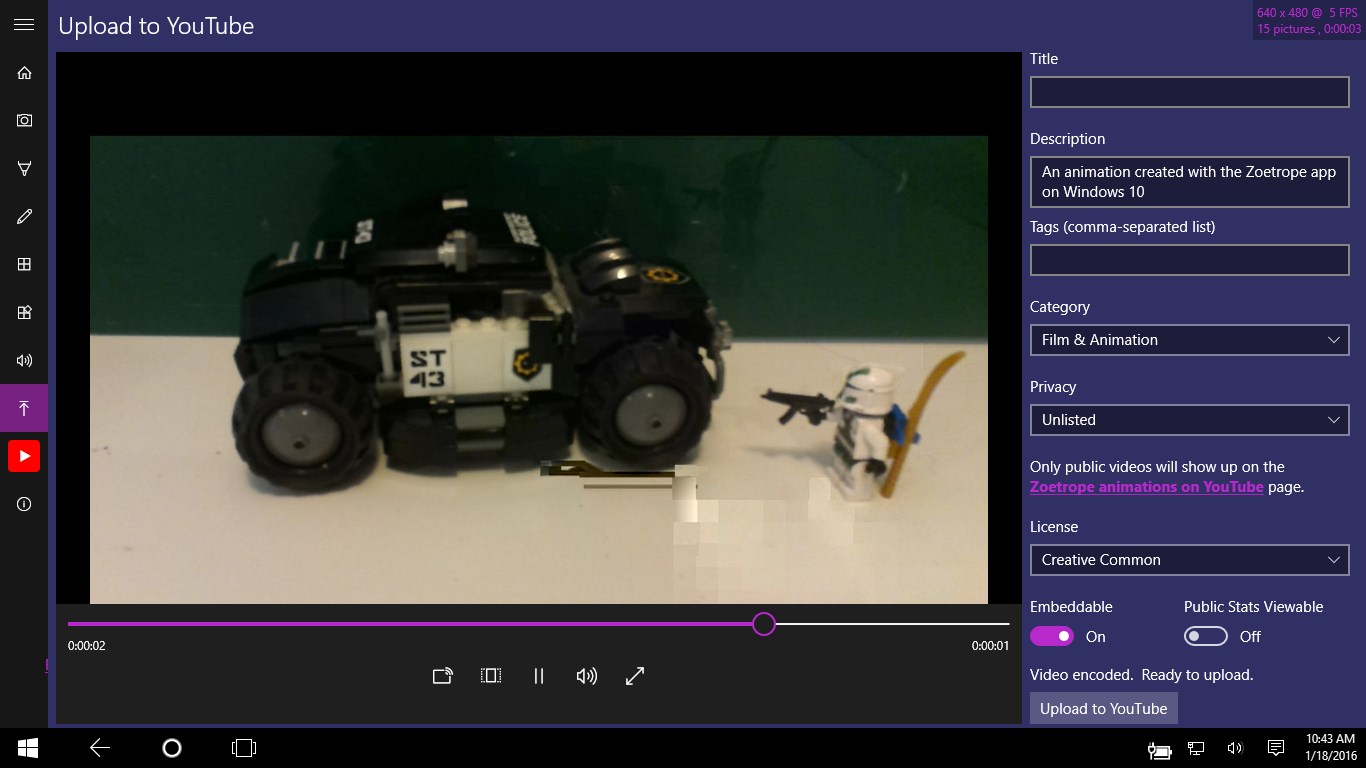
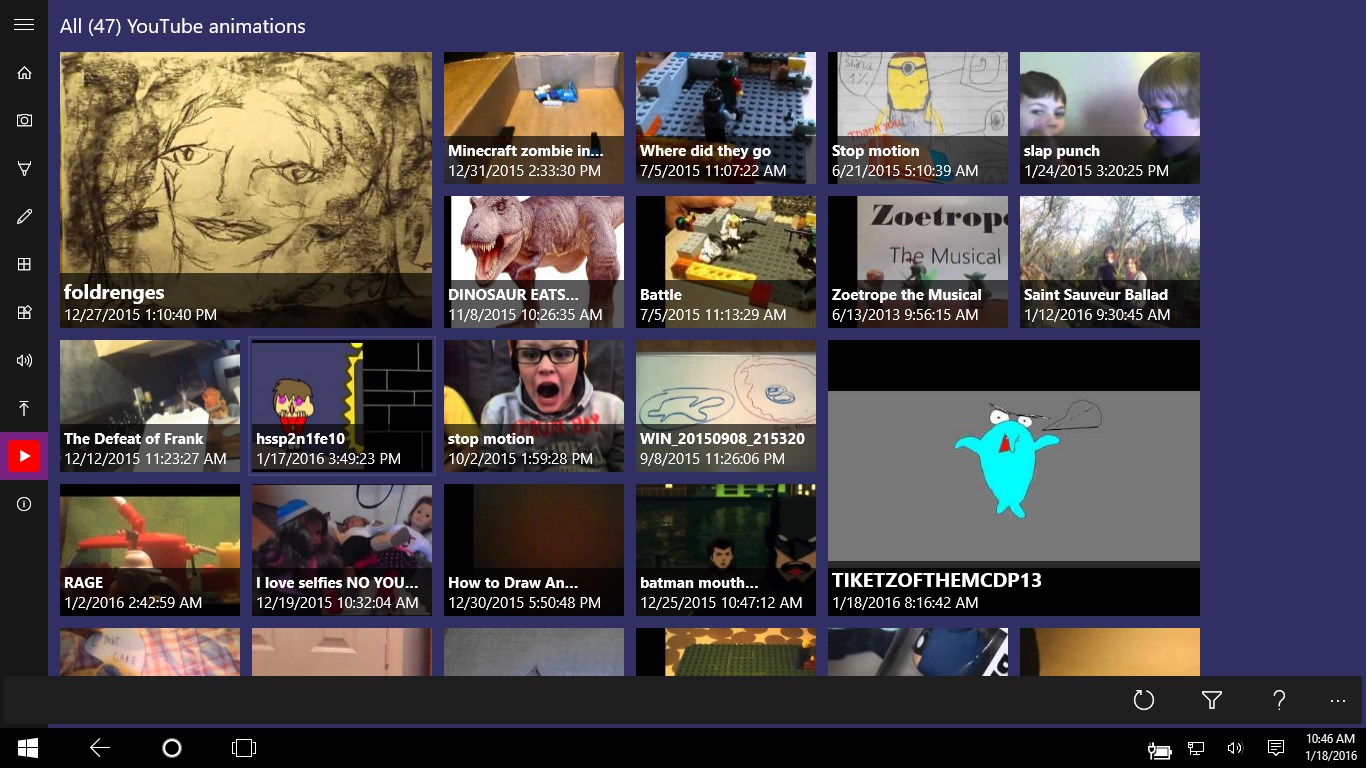
Upload to YouTube
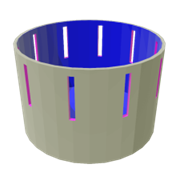
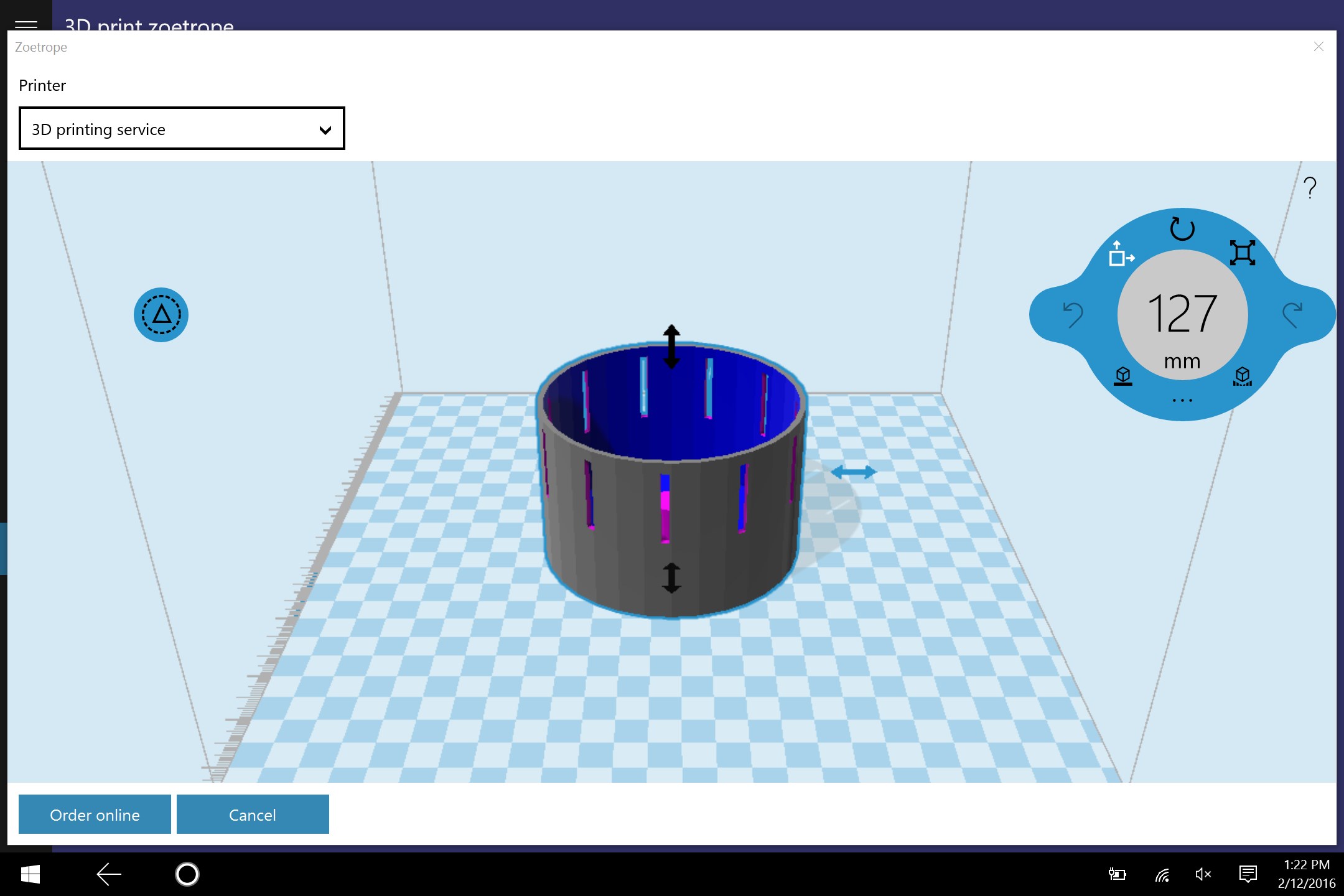
NEW: Print zoetrope device with a 3D printer and the paper strips to go in it..
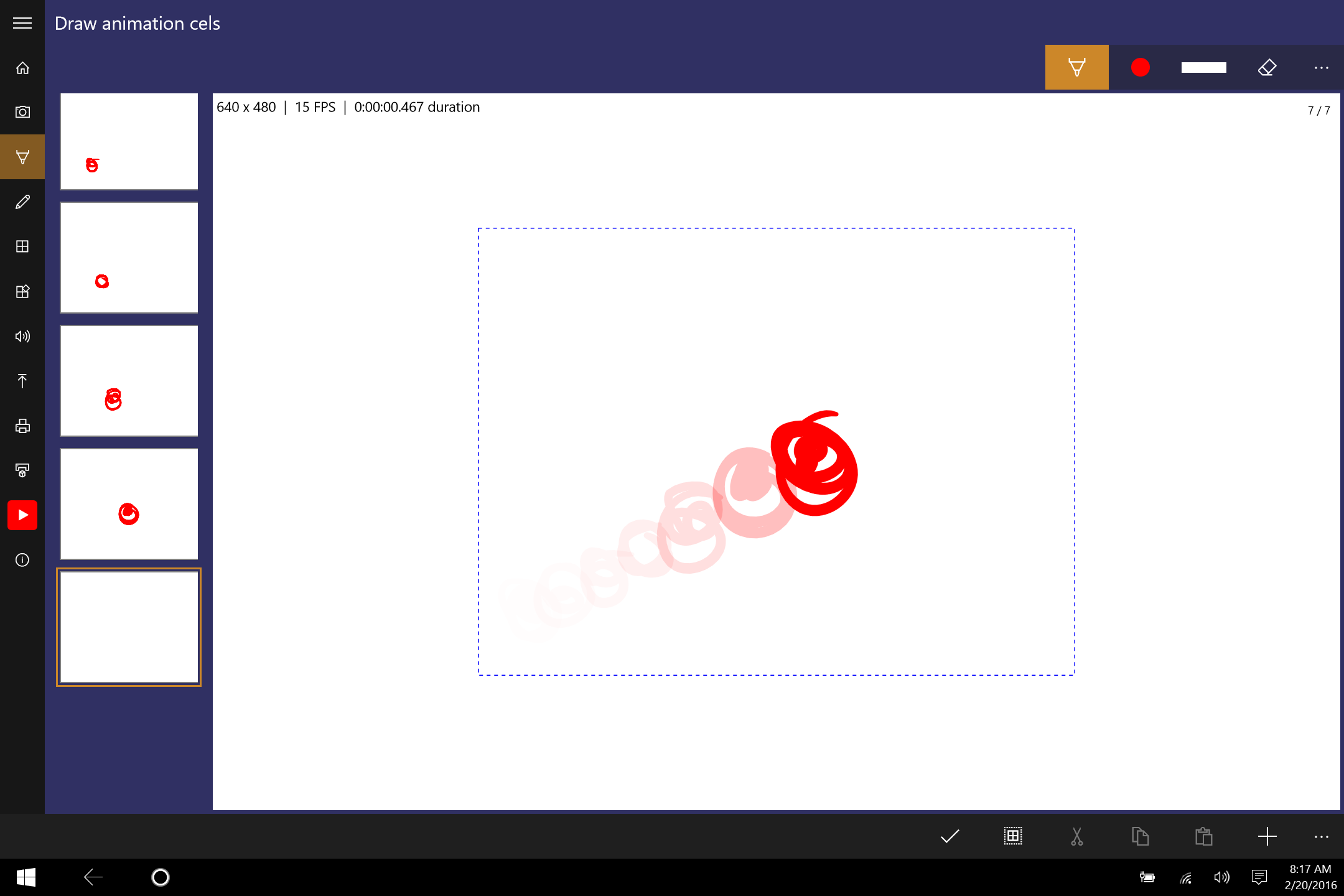
Cel-based animation feature to draw animations with pen, mouse, or touch.
Pick a music file from your music library to add audio to the animation.
When creating a stop-frame animation, you can see the previous photo overlayed on the screen.
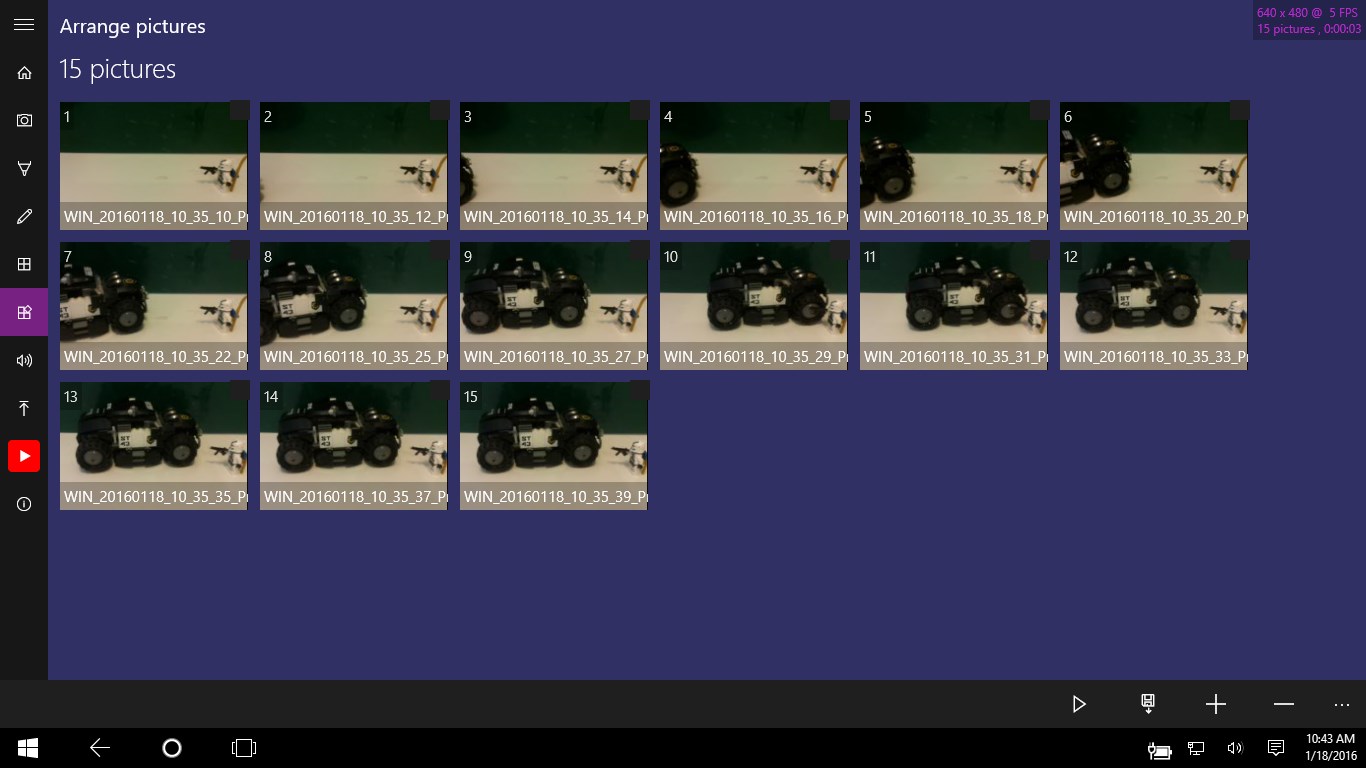
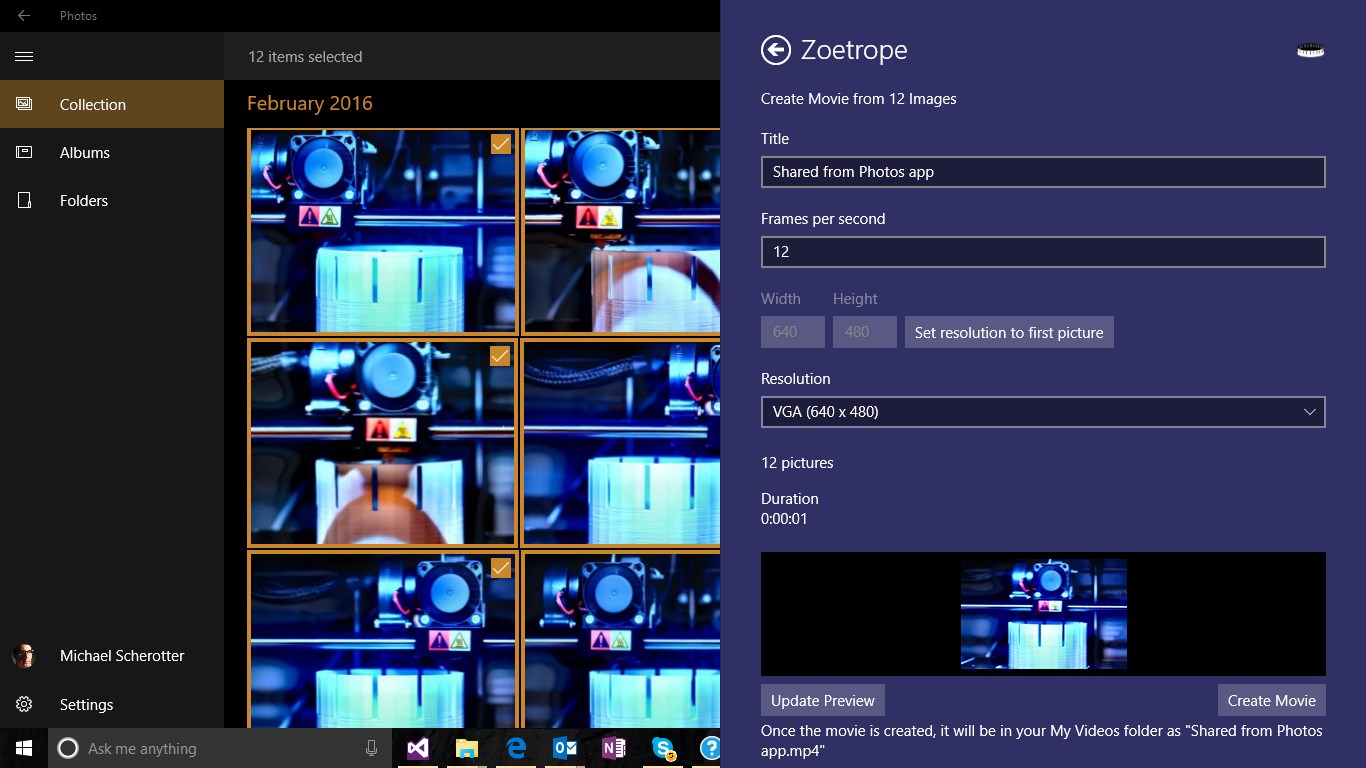
Share a collection of images with Zoetrope to instantly create a stop-motion movie from them.
Easily rearrange and delete photos
Save to h.264, WMV, or AVI
Share the video that you create with other apps.
Support for scanners with for both flatbeds and auto sheet feeders to add images.
Any file picker location can act as a source for photographs
Choose the size and frame rate of the animation.
Save all images to a folder.
NEW: Set cel animation background image or color.
- Supported Languages
- English (United States),Dansk (Danmark),English (Australia),English (United Kingdom),Français (France),Français (Canada),Deutsch (Deutschland),Русский (Россия)
Related Windows Apps
-
Time-Lapse
28
- Free
-

Stop Motion Studio Pro
0
- $0.99
-
Stop Motion Plus
158
- Free
-
eLapsMotion
4
- Free
-
StopMotion
9
- Free
-

Stop Motion Studio
1,390
- Free